 250-997-3221
PUT YOUR BUSINESS ON GOOGLE: A SIMPLE GUIDE FOR MACKENZIE BUSINESSES
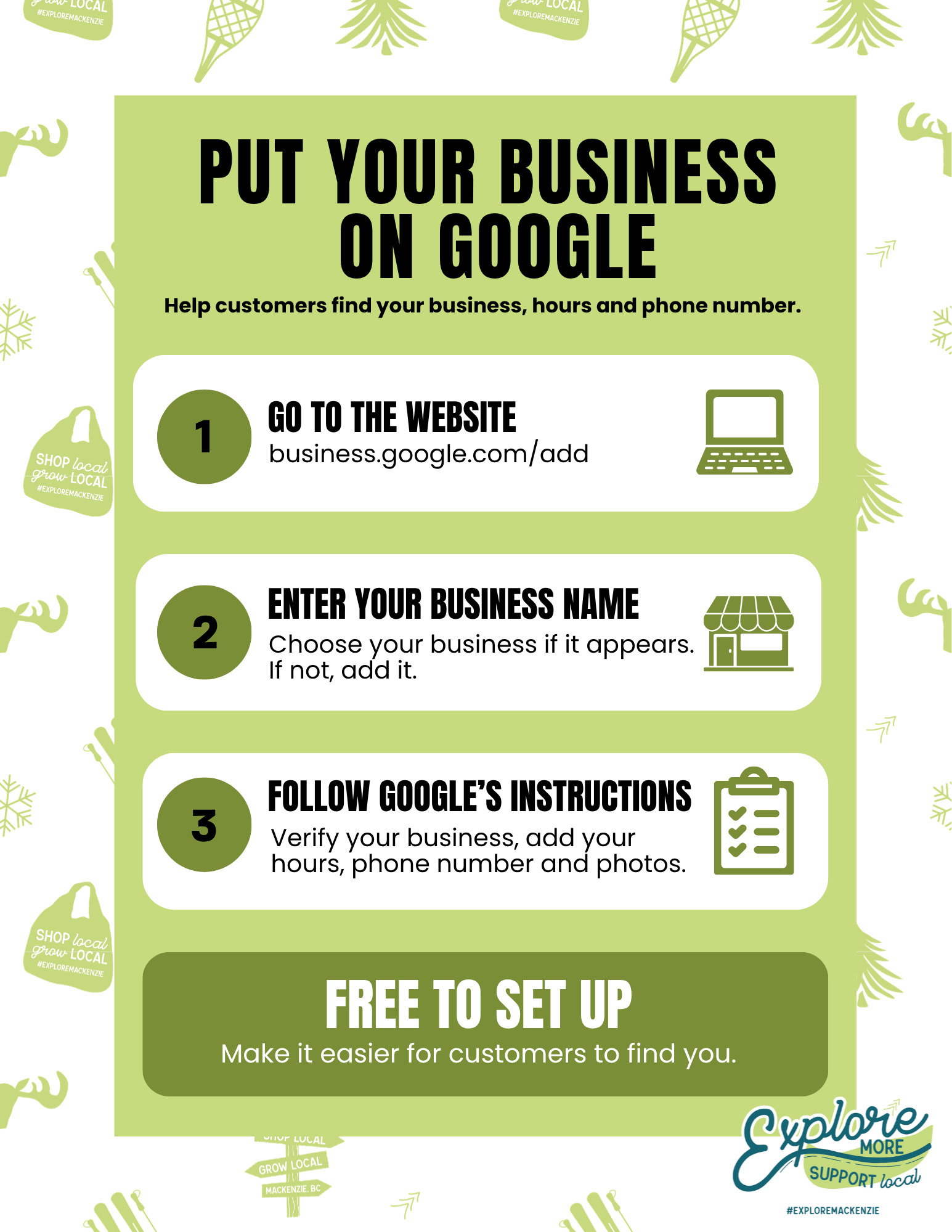
Can customers find your business on Google?
When someone searches for your business or a service you provide in Mackenzie, can they find you?
A Google Business Profile is free and can help your business appear on Google Search and Google Maps. It gives customers an easy way to find useful information such as your business hours, phone number, location or service area, website, photos and more.
Getting started is easier than you might think. Follow these simple steps.
Step 1: Sign in and get started
Sign in to the Google Account you want to use to manage your business. If you don't already have a Google Account, you'll need to create one first.
Then visit http://business.google.com/add and enter your business name.
If your business already appears, select it and follow the steps to claim it. If it doesn't appear, you can add your business.
Step 2: Add your business details
Follow Google's instructions and add as much accurate information about your business as possible, including:
• Business name and category
• Address or service area
• Phone number
• Business hours
• Website, if you have one
• Products or services
• Photos
Step 3: Verify your business
Google may need to verify that you own or manage the business before you can fully manage your profile.
Google will show you the verification method available for your business. Depending on the business, this may include phone or text, email, video, live video or mail.
Some businesses may be verified quickly. In other cases, after completing the verification steps, Google's review can take up to 5 business days.
Already have a Google Business Profile? Keep your information current
Creating your profile is only the beginning.
Once your Google Business Profile is set up, remember to keep your information current. If your hours change, update them. If your phone number changes, correct it. Add new photos when you have them, and make sure your location, website and other business information are still accurate.
Someone may check Google before calling or visiting your business, so you want the information they find to be correct.
Need help with verification?
Google has a step-by-step verification guide here:
Google Business Profile Verification Guide
Make it easier for customers to find you.
Keeping your business information accurate and current can make it easier for people to find and connect with your business.
Explore More, Support Local!